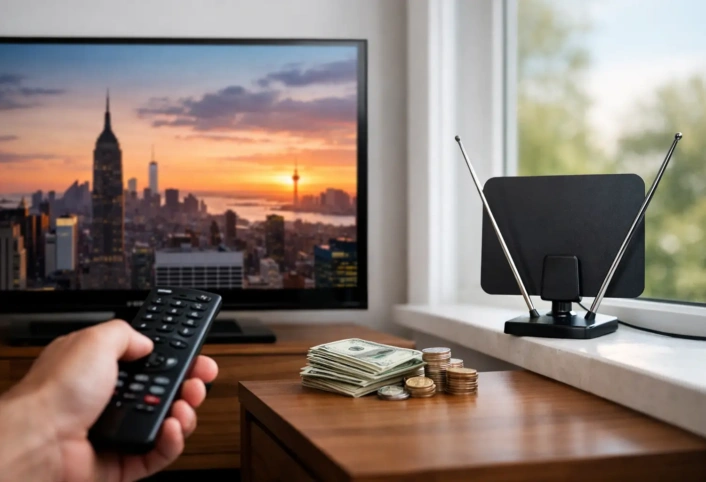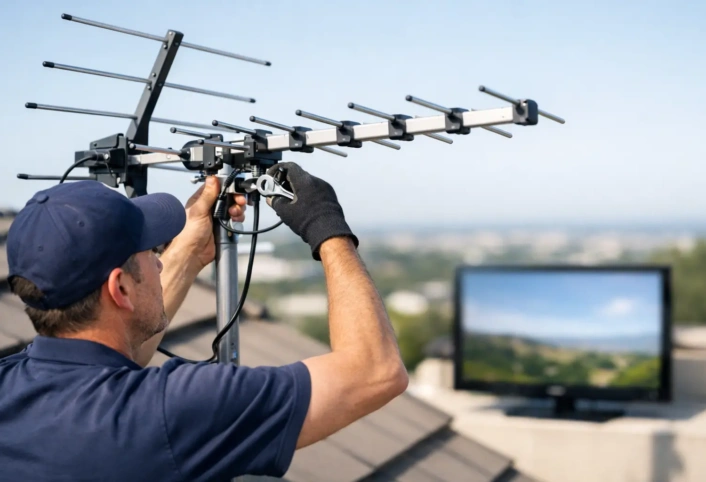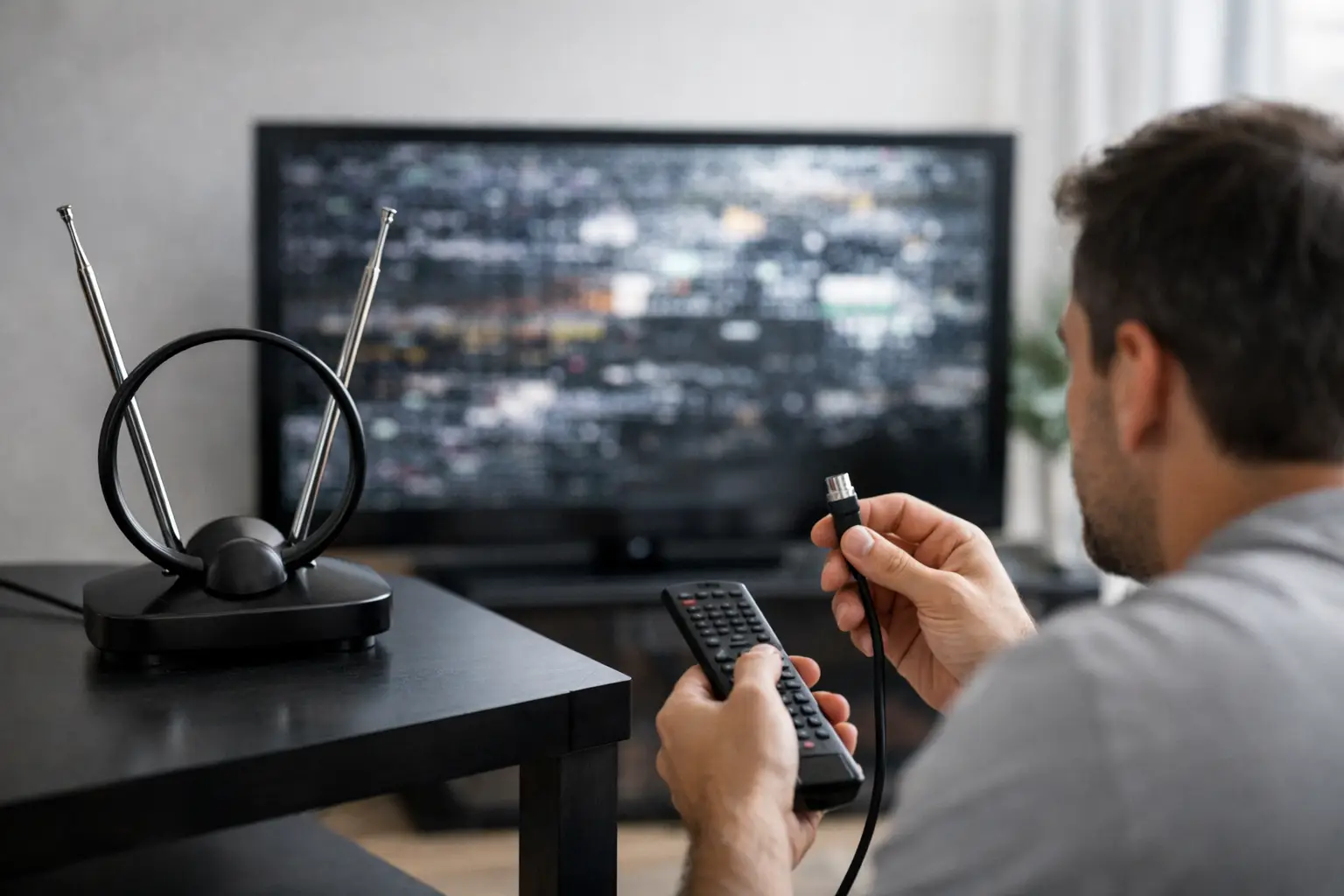
A picture that freezes during the evening news or drops out right before kickoff is more than an annoyance. If you are asking, “why is my TV antenna reception bad,” the answer is usually not that broadcast TV has stopped working. It is more often a signal path, equipment, placement, or setup issue that can be identified and corrected.
Over-the-air television delivers sharp local HD channels without a monthly cable or satellite bill. But digital signals are less forgiving than the fuzzy analog reception many homeowners remember. A signal can look perfect until it falls just below the level your TV needs, then suddenly pixelate, stutter, or disappear. Finding the weak point is the fastest way back to reliable local television.
Why Is My TV Antenna Reception Bad?
Your antenna receives signals transmitted from local broadcast towers. Those signals travel through the air, so distance, terrain, buildings, trees, weather, and the materials in your home all affect what reaches the antenna. The antenna then needs to be the right type, pointed in a useful direction, and connected through quality cable to your television.
A problem anywhere in that chain can reduce reception. The most common causes include poor antenna placement, an antenna that does not match your local channels, improper aiming, damaged coaxial cable, signal loss from splitters, and an out-of-date channel scan.
The key is to avoid guessing based on the picture alone. One missing channel may point to an antenna range or frequency issue. Every channel dropping out may indicate a loose connection, power issue, or damaged cable. Reception that changes with wind or rain often points to a marginal signal, a moving antenna, or outdoor equipment that needs attention.
Antenna Location Has a Major Effect
An antenna cannot receive a signal that is blocked before it reaches the equipment. This is why placement matters so much.
Indoor antennas are convenient and can work well near strong broadcast signals. They are also affected by walls, metal studs, foil-backed insulation, large appliances, windows with metallic coatings, and electronics in the room. Moving an indoor antenna only a few feet, or placing it higher near a window, can make a noticeable difference.
Attic antennas offer a cleaner look than roof-mounted systems, but the roof itself can weaken signals. Asphalt shingles, radiant barriers, solar equipment, ductwork, and metal roofing can all reduce performance. An attic location may be enough for a home close to broadcast towers, while a more distant or obstructed home may need an outdoor installation for dependable results.
Outdoor antennas generally provide the clearest signal path because they are mounted higher and outside the home’s building materials. Height is helpful, but it is not the only factor. The best mounting location depends on tower direction, nearby obstructions, cable routing, and safe installation practices.
Trees, Hills, and Nearby Buildings
A hill, dense tree cover, or a tall building between your home and the broadcast towers can weaken certain stations while leaving others clear. Trees are especially unpredictable because leaves hold moisture and change with the seasons. A setup that worked in winter may struggle once foliage returns.
This does not always mean every channel is out of reach. It may mean the antenna needs a different location, greater height, more directional gain, or more precise aiming. Local signal conditions matter more than a one-size-fits-all antenna claim on a retail box.
The Antenna May Be Pointed the Wrong Way
Many outdoor antennas are directional. They are designed to favor signals coming from one direction and reject interference from others. If the antenna is turned slightly away from the tower group, reception can suffer.
This is especially common after high winds, roof work, or an installation that was never precisely aligned. A small change in direction can affect weaker stations first. It can also cause a confusing pattern where major networks work but an independent station, PBS affiliate, or local sports broadcast does not.
Not all broadcast towers sit in the same direction. If local stations are spread across multiple tower locations, the best solution depends on the angles involved and the strength of each signal. A multi-directional antenna may help in some homes. In others, a directional antenna aimed toward the primary tower group delivers more stable overall results. There is a trade-off between receiving more directions and maximizing signal strength from one direction.
Your Antenna May Not Match Local Broadcast Frequencies
TV channels have familiar virtual numbers, such as Channel 4 or Channel 11, but the actual radio frequencies used to transmit them may be different. Most stations broadcast on UHF frequencies, while some still use VHF. An antenna designed mainly for UHF may have trouble with VHF stations, even if its packaging promises a long range.
This can explain why you receive many channels clearly but miss one or two important local stations. The answer is not automatically a larger antenna. The right antenna needs to cover the frequencies used in your market and provide enough gain for your distance and signal obstacles.
“Range” ratings should also be treated carefully. A stated mileage figure assumes favorable conditions, not a guarantee through hills, trees, walls, and neighboring homes. A professionally selected antenna is based on actual reception conditions at your address, not a maximum range printed on a box.
Cables, Splitters, and Connections Can Drain Signal Strength
A strong signal at the antenna can become a weak signal by the time it reaches your TV. Coaxial cable, splitters, wall plates, connectors, and amplifiers all affect the system.
Start with visible connections. Make sure the coaxial cable is firmly attached at the antenna, any amplifier or power inserter, wall plate, and television. A connector that is loose, corroded, bent, or poorly installed can create intermittent reception. Outdoor connections are particularly vulnerable to moisture over time.
Splitters divide one antenna signal among multiple televisions. Each split reduces the available signal level. A system feeding one television may work well, while that same signal divided among three or four TVs may become unreliable. Old splitters can also fail or pass the wrong frequency range.
Long cable runs add loss as well. If reception is poor only on the TV farthest from the antenna, the cabling path and distribution equipment deserve a closer look. Replacing damaged coaxial cable or simplifying an unnecessary splitter arrangement can make a real improvement.
An Amplifier Is Not Always the Answer
A preamplifier or distribution amplifier can help when a good signal is weakened by a long cable run or several television connections. It cannot create a clean signal where the antenna is poorly placed, incorrectly aimed, or receiving too little usable signal.
In fact, an amplifier can make reception worse if it overloads from strong nearby stations or amplifies electrical noise along with the broadcast signal. If your reception became worse after adding an amplifier, or if channels vanish intermittently despite strong local signals, the amplifier may be part of the problem.
Amplification should be selected after evaluating the antenna, location, cable length, and number of TVs. It is a system component, not a universal fix.
Rescan Your TV After Any Change
Your television needs to scan for available over-the-air channels. If the antenna was moved, aimed differently, replaced, or connected to a new TV, run a fresh channel scan from the television’s settings menu. Make sure the input is set to Antenna or Air, not Cable.
Broadcasters occasionally change their transmission frequencies, too. If a channel that once worked has disappeared and the rest of the system seems normal, rescanning is a sensible first step. Do not rely only on the channel list saved months or years ago.
When Weather Makes Reception Worse
Heavy rain, high winds, and storms can expose a reception problem that already existed. Digital television does not gradually become snowy. Instead, a signal near the edge of reliability may be stable on a clear day and break apart during weather changes.
Wind can shift a loose antenna or move branches into the signal path. Rain can affect damaged outdoor connectors, and moisture can expose cracks in aging cable. If reception changes dramatically with weather, do not assume that is unavoidable. A properly mounted, aligned, and weather-protected antenna system should provide dependable viewing under normal conditions.
Know When to Stop Troubleshooting
A quick connection check and channel rescan are reasonable homeowner steps. Climbing onto a roof, adjusting a mast near power lines, or repeatedly buying antennas and amplifiers is a different matter. Those approaches can cost more than they save and still leave you with unreliable television.
A trained antenna technician can evaluate signal availability at your home, identify the right antenna style, select a practical mounting location, align the system, and test the signal at each television. That is particularly valuable for homes with multiple TVs, difficult terrain, long cable runs, or a mix of strong and weak local stations.
Antenna Master helps homeowners turn uncertain reception into a dependable cord-cutting setup built around the channels they actually watch. Clear local HD television should feel like a household upgrade, not a weekly troubleshooting project. A properly designed antenna system can help you keep news, network shows, live sports, and local programming while giving your monthly TV budget some breathing room.