A picture that freezes during the evening news or drops out when the weather changes is more than a small annoyance. It can make free local TV feel unreliable, even when strong broadcast signals are available nearby. The good news is that learning how to improve over the air TV reception usually starts with the antenna system itself, not with buying another streaming subscription.
Many reception problems come down to location, equipment, wiring, or a signal that is being amplified when it does not need to be. A few careful checks can make a meaningful difference. For homes with several TVs, challenging terrain, or inconsistent channels, a professionally designed antenna system can provide a more dependable path to local HD programming.
Start With the Signal Available at Your Home
Over-the-air television is not one-size-fits-all. The channels available at one address may be different just a few miles away because broadcast towers, hills, trees, buildings, and even nearby electrical interference affect reception.
Before changing equipment, identify which local stations you want to receive and the direction of their broadcast towers. This helps determine whether your home needs a directional antenna, a multi-directional model, or an antenna designed for stations on different frequency bands. A compact indoor antenna may work well near towers, while a more distant or obstructed location often calls for an outdoor antenna mounted higher on the home.
Signal strength is only part of the equation. Signal quality matters just as much. A strong but distorted signal can produce pixelation, missing audio, or channels that appear and disappear. That is why the right antenna and installation location matter more than the largest antenna in the store.
How to Improve Over-the-Air TV Reception With Better Placement
Antenna placement is often the biggest factor in reception quality. Broadcast signals travel through the air, but they do not pass cleanly through every obstacle in their path. Metal roofing, stucco, brick, foil-backed insulation, solar panels, mature trees, and neighboring buildings can weaken or reflect a signal.
Move Indoor Antennas Away From Interference
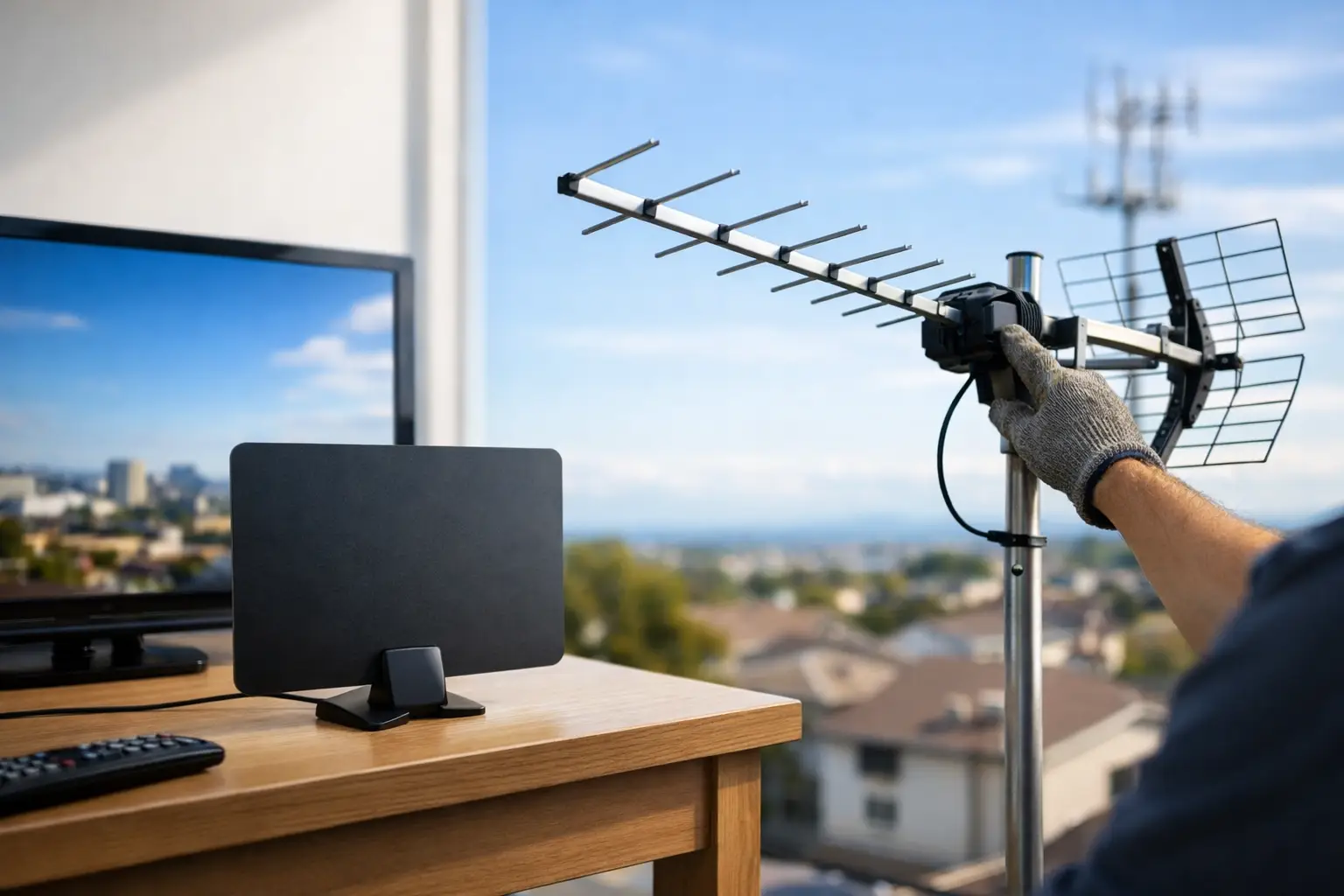
If you use an indoor antenna, start near a window or on an exterior-facing wall in the general direction of local broadcast towers. Raise it as high as practical and keep it away from large metal objects, Wi-Fi equipment, cordless phone bases, game consoles, and power strips.
Do not hide the antenna behind the TV if reception is poor. TVs, wall mounts, and entertainment cabinets can block signal. A few feet of movement can change the result, so test several positions before deciding the antenna is not capable of receiving your local stations.
Height Usually Helps Outdoor Antennas
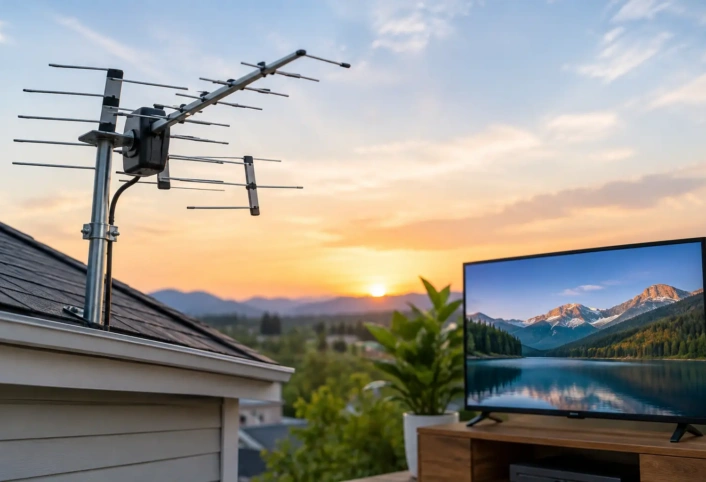
For many homeowners, an outdoor antenna delivers the most consistent performance because it sits above many of the obstacles that affect indoor reception. Roofline, attic, chimney, and mast mounting options each have trade-offs.
A roof-mounted antenna may have the clearest signal path, but it must be installed securely and grounded correctly. An attic antenna is protected from weather and less visible, yet roofing materials and insulation can reduce performance. The best choice depends on the home, the local signal landscape, and the channels your household watches most.
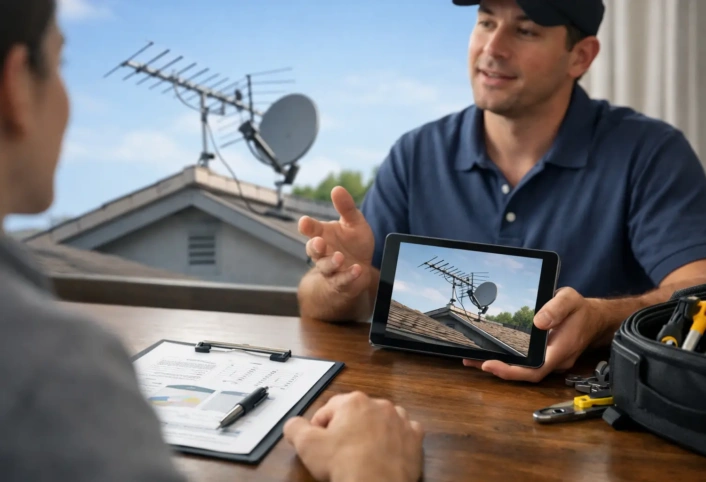
A trained technician can evaluate the property rather than guessing from a retail package label. That helps avoid mounting an antenna in a convenient spot that looks good but delivers inconsistent reception.
Aim the Antenna Carefully, Then Rescan
Directional antennas need to be aimed toward the broadcast towers serving your market. Small adjustments can affect channel reliability, especially when towers are far away or grouped in slightly different directions.
Aim the antenna, run a channel scan on the TV or tuner, and check the stations that matter most to your household. Then make small adjustments and scan again. Avoid judging performance based on only one channel. A position that brings in one station perfectly may weaken another if the towers are not in the same direction.
Rescan your TV whenever you move the antenna, replace cable, add a splitter, or make a significant adjustment. Your television cannot display channels it has not scanned and saved. It is also smart to rescan periodically because local broadcasters sometimes change their transmission details.
Check the Coaxial Cable and Connections
A high-quality antenna cannot overcome poor wiring. Damaged, loose, or outdated coaxial cable can introduce enough signal loss to turn a clear picture into a pixelated one.
Inspect visible cable runs for sharp bends, cracks, crushed sections, corrosion, or connectors that wiggle. Outdoor connections need weather protection because moisture inside a fitting can cause problems long before damage is obvious. Replace questionable cable with quality coaxial cable rated for television antenna use, and make sure connectors are installed firmly.
Long cable runs naturally lose some signal. If the antenna is on one side of the house and the TV is far away, the wire length may be part of the issue. This does not automatically mean you need an amplifier, but it does mean the system should be evaluated as a whole.
Be Careful With Splitters and Amplifiers
Every splitter reduces the signal sent to each television. A two-way splitter creates less loss than a four-way or eight-way splitter, so use only the number of outputs your home actually needs. If an unused splitter remains from an old cable installation, removing it can improve reception.
Amplifiers are helpful in the right situation, such as a long cable run, a multi-TV setup, or a weak signal reaching the antenna. But amplification is not a universal fix. If the antenna receives interference, reflected signals, or a signal that is already too strong, an amplifier can make the problem worse.
The goal is a clean, usable signal at each TV, not the maximum amount of amplification. A properly selected preamplifier or distribution amplifier can support a larger home system. The wrong one can overload the tuner and cause channels to vanish.
Account for Weather and Seasonal Changes
Heavy rain, wind, snow, and dense foliage can affect over-the-air TV reception. You may notice a channel works well in winter but becomes unreliable when nearby trees leaf out in spring. Wind can also shift a poorly secured antenna just enough to affect performance.
If reception changes with the weather, check that the antenna mount is stable, the mast is secure, and outdoor cable connections are sealed. Persistent weather-related dropouts may indicate that the antenna needs a better location, more height, more precise aiming, or a different type of antenna.
A system should be designed with normal local conditions in mind, not only for the clearest day of the year. Reliable free TV means planning for the real environment around your home.
Know When a Professional Installation Makes Sense
DIY adjustments can solve simple issues, particularly with an indoor antenna and a single TV. Professional help becomes more valuable when you need a roof or exterior installation, want to serve multiple televisions, live far from broadcast towers, or cannot receive all of your key local channels consistently.
A professional installation considers tower direction, antenna type, mounting height, signal distribution, grounding, and cable routing together. It also avoids common problems such as unsafe roof work, unnecessary amplifiers, poor-quality splitters, and visible cable runs that detract from the home.
Antenna Master helps homeowners replace expensive pay-TV dependence with customized antenna systems built for their location and viewing needs. With trained, recently certified technicians, the focus is on clear local HD channels and a setup that works reliably from room to room.
The best reception upgrade is not always a bigger antenna. It is the right antenna, placed correctly, connected with care, and matched to the signal conditions at your home. Once the system is working as it should, cutting the cord can feel less like a compromise and more like a smart household upgrade.