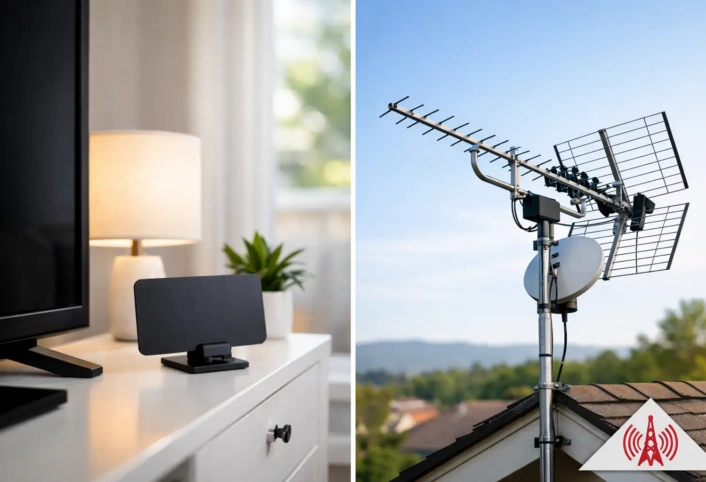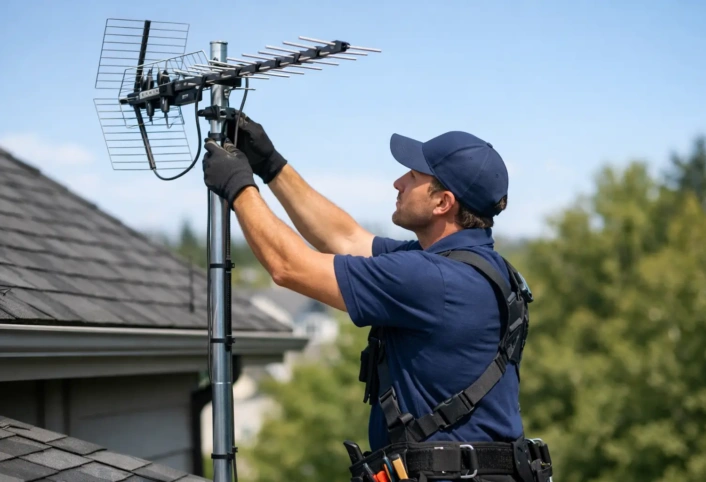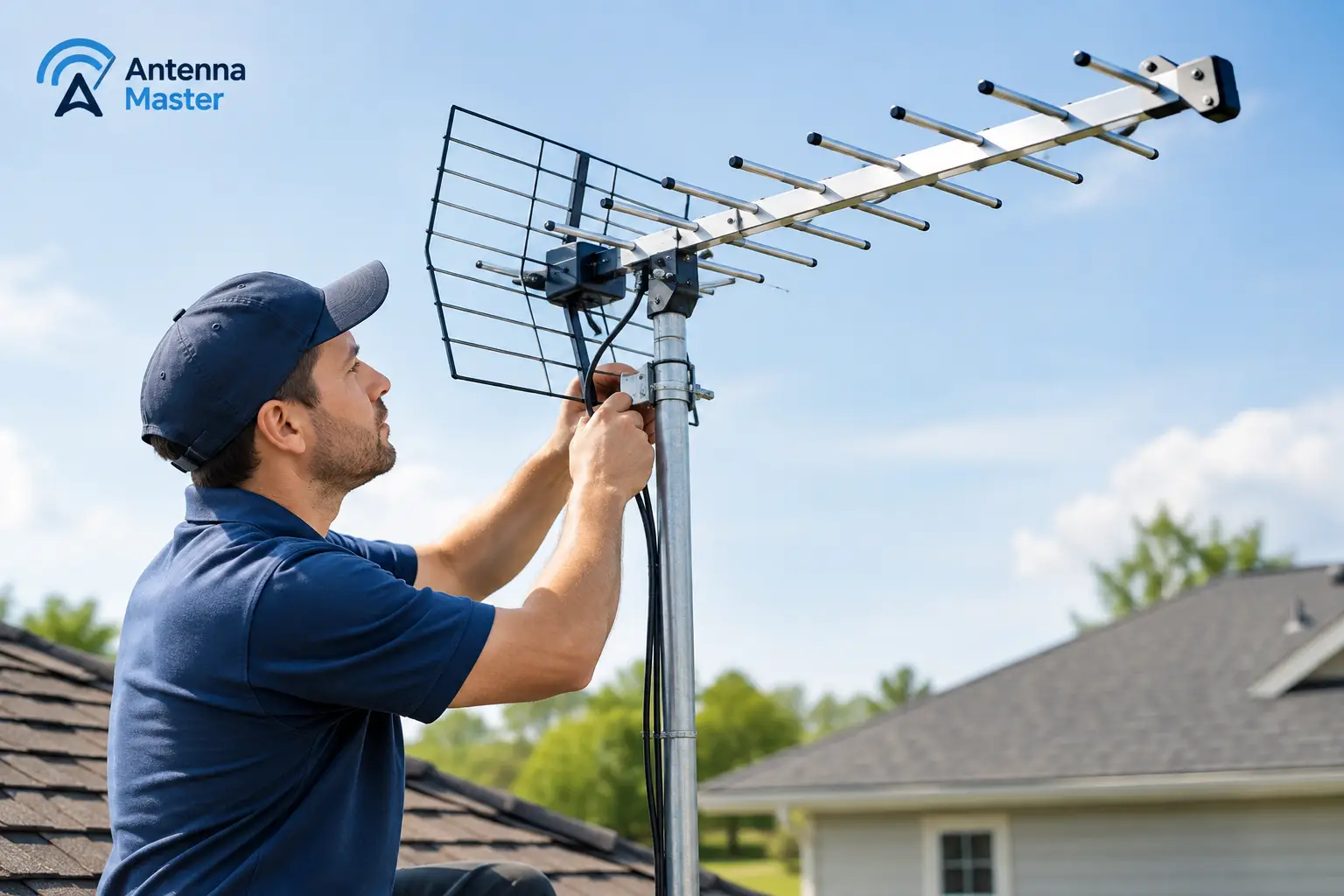
A channel that freezes during the evening news or disappears right before a game is more than a minor annoyance. If you are wondering why TV antenna loses signal, the answer is usually not that broadcast TV has stopped working. More often, a small change in signal strength, antenna position, wiring, or local conditions has pushed the reception below the point where your TV can hold a clean digital picture.
Over-the-air television can deliver sharp HD local channels without depending on a cable or satellite feed. But digital reception has one important characteristic: it can look perfect until it does not. Unlike older analog TV, which often became snowy as the signal weakened, a digital channel may pixelate, freeze, or vanish suddenly. Finding the cause means looking at the full antenna system, not just the antenna itself.
Why TV Antenna Loses Signal Without Warning
A television antenna receives broadcast signals traveling through the air from local transmission towers. Those signals are affected by distance, terrain, buildings, weather, and electrical interference. Your antenna, cable, connections, splitters, amplifier, and television tuner must all work together to turn that signal into a stable channel.
When the available signal is already marginal, even a minor disruption can cause a channel to drop out. A tree branch moving in the wind, moisture at an outdoor connection, or a slightly loose coaxial cable can be enough. That is why one channel may work well while another does not. Local stations broadcast from different tower locations, at different power levels, and sometimes on different frequency ranges.
The digital reception cliff
Digital TV does not gradually fade in a predictable way. It reaches a threshold. Above that threshold, the image and sound are clear. Below it, the TV has trouble decoding the broadcast data, leading to blocky pictures, audio dropouts, error messages, or a blank screen.
This is often called the digital cliff. It explains why reception can seem reliable for weeks and then become inconsistent after a storm, a change in nearby foliage, or a shift in an antenna connection.
Common Reasons an Antenna Signal Drops
Antenna direction or placement has changed
An antenna must be aimed and positioned for the broadcast signals available at your home. Outdoor antennas can move slightly over time because of high winds, vibration, aging hardware, or roof work. Indoor antennas are even more sensitive. Moving one a few inches, placing it behind a TV, or setting it near metal furniture can noticeably change reception.
Height matters, too. Signals can be blocked or reflected by surrounding homes, tall buildings, trees, and rooflines. In dense neighborhoods, the best antenna location is not always the most obvious one. A professional signal evaluation helps identify the position that receives the strongest and cleanest signal, rather than simply the strongest-looking spot.
Weather is exposing an existing weakness
Rain, wind, humidity, and severe weather can affect antenna performance, particularly when reception is already near the digital threshold. Wind can shift branches into the signal path or move a poorly secured antenna. Heavy rain can reveal compromised seals, damaged cable jackets, or moisture inside connectors.
Weather does not always cause the underlying problem. It often exposes a system that needs adjustment or repair. If the same channels fail whenever conditions change, inspect the antenna mounting, outdoor cable runs, and all weatherproofed connections.
Loose, worn, or wet coaxial connections
The coaxial cable carries the signal from the antenna to the TV or distribution equipment. A loose connector, corroded fitting, pinched cable, or damaged cable jacket can reduce signal quality significantly. These issues are especially common at outdoor connections exposed to sun, rain, and salt air.
Check that accessible cable connections are snug, not overtightened, and free of visible corrosion. If a connector looks green, rusty, cracked, or damp, it may need replacement. Avoid running coaxial cable through windows or leaving it loose where it can be crushed, stretched, or exposed to repeated movement.
Splitters are weakening the signal
Every time an antenna signal is divided between multiple televisions, some signal strength is lost. A quality splitter installed correctly may work well when the incoming signal is strong enough. But adding TVs, replacing a splitter with a low-quality model, or using unnecessary adapters can leave certain channels too weak to decode.
This does not mean every home needs an amplifier. Amplification can help in the right system, but it can also amplify noise and overload a tuner if it is used where it is not needed. The right solution depends on the incoming signal level, cable length, number of TVs, and channel frequencies in your area.
An amplifier or power supply has failed
Some antenna systems use a preamplifier near the antenna or a distribution amplifier inside the home. These devices require power and can fail over time. A disconnected power inserter, failed outlet, damaged power supply, or water-damaged amplifier can cause a sudden loss of channels.
If your system includes amplification, confirm that the power component is connected and functioning. Do not bypass or replace equipment at random. An improperly configured amplifier can create a new reception issue instead of solving the original one.
Nearby interference is affecting reception
Electrical devices can introduce interference into an antenna system. Common sources include LED lights, chargers, dimmer switches, Wi-Fi equipment, computers, and appliances with electric motors. Poorly shielded cable or weak connections can make the system more vulnerable.
Interference can be difficult to identify because it may happen only when a certain device is running. If a channel fails at the same time each day or when a particular light or appliance is used, that pattern is useful information for diagnosing the issue.
Local broadcast changes require a rescan
Television stations occasionally change their broadcast frequency or make technical adjustments. Your TV may still show the old channel listing even though the station is now transmitting differently. Running a channel scan can restore stations that have moved or update your channel lineup.
A rescan is a sensible first step after verifying that the antenna is connected. It will not repair weak reception, damaged wiring, or a poorly aimed antenna, but it can resolve a missing channel after a local broadcast change.
A Practical Way to Troubleshoot Signal Loss
Start with the simplest checks before changing antenna equipment. Confirm that the TV input is set to antenna or air, not cable. Make sure the coaxial cable is firmly connected at the TV and at any accessible wall plate, splitter, or amplifier. Then run a channel scan.
Next, pay attention to the pattern. Does every channel disappear, or only one or two? Does the issue happen only during rain or wind? Did it begin after moving furniture, installing new electronics, adding another TV, or having exterior work done? Those details point toward the most likely cause.
If you use an indoor antenna, try repositioning it gradually and rescan after each meaningful change. Keep it away from large metal surfaces and electronics when possible. For outdoor antennas, avoid climbing on a roof or handling mounted equipment unless you have the proper safety knowledge and equipment. A loose mount, aging mast, or weather-damaged cable should be addressed safely.
When Professional Antenna Service Makes Sense
Some reception problems are quick fixes. Others require signal testing, precise antenna alignment, cable inspection, or system redesign. Professional help is especially useful when channels are inconsistent across several TVs, reception has deteriorated after weather exposure, an outdoor antenna is difficult to access, or an amplifier and splitter setup is involved.
A trained technician can measure the signal at the antenna and at the television, separating a weak incoming signal from a wiring or distribution problem. That matters because buying a larger antenna or adding an amplifier without testing can waste time and may not improve reception. The best system is matched to the home, local broadcast conditions, and the number of televisions it needs to serve.
For households in Miami-Dade, Broward, and Monroe counties, local conditions such as dense construction, coastal weather, and surrounding vegetation can make placement and secure installation particularly important. Antenna Master technicians can evaluate the complete system and recommend a practical path back to dependable local HD channels.
A reliable antenna system should feel simple: turn on the TV and watch the local programming you want. When reception starts breaking up, treat it as a signal that one part of the system needs attention, not as a reason to give up on cord-cutting.