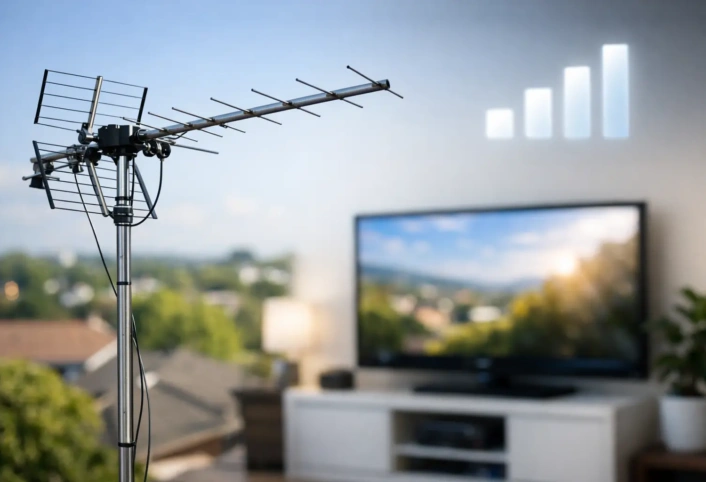
A picture that breaks into blocks during the evening news, freezes during a close game, or drops out just as a storm rolls in is more than annoying. When you need to troubleshoot pixelated antenna picture problems, the cause is usually not the television itself. Digital over-the-air TV is clear until the signal falls below a usable level, then the image can pixelate, freeze, or disappear without much warning.
The good news is that many reception problems have a clear cause. A loose cable, a shifted antenna, a failing amplifier, or interference from nearby electronics can all reduce signal quality. Start with the simple checks below, then bring in a trained antenna technician when the issue points to the antenna location, wiring system, or signal distribution setup.
What a Pixelated Antenna Picture Usually Means
Broadcast television does not fade gradually like an old analog signal. Your TV receives a digital stream of information. When enough of that information reaches the tuner, the picture looks sharp in HD. When the signal is weak, unstable, or distorted, the TV cannot rebuild every part of the image. That is when you see squares, frozen frames, missing audio, or a “no signal” message.
Signal strength matters, but signal quality matters just as much. A strong signal can still perform poorly if it is affected by interference, damaged coaxial cable, poor connections, or an amplifier that is overloading the tuner. This is why simply buying a bigger antenna does not solve every pixelation issue.
If only one channel is affected, the problem may be tied to that station’s signal direction or broadcast frequency. If several channels break up at once, look first at the antenna system, its power components, and the cable path to the TV.
Start With the Fast Checks Inside Your Home
Before climbing onto a roof or moving an outdoor antenna, inspect the parts of the system you can reach safely. Turn the TV off, then check the coaxial cable connected to the TV’s antenna input. The connector should be snug, straight, and free of corrosion. A connector that feels loose or has a bent center pin can create an intermittent picture.
Next, follow the cable as far as practical. Look for sharp bends, crushed sections behind furniture, exposed cable, and splitters that have been bumped loose. Coaxial cable can wear down over time, especially where it runs outdoors or through humid areas. In South Florida, heat, moisture, and corrosion can take a toll on outdoor connections faster than homeowners expect.
If your antenna uses an amplifier, make sure its power inserter is plugged in and operating. Many amplified systems need power sent through the coaxial cable. An unplugged power supply can cause weak or missing channels. On the other hand, an amplifier can also create trouble if it has failed or if the incoming signal is already very strong.
Run a channel scan after checking the connections. Use your television’s settings menu and select antenna or air as the signal source, not cable. A rescan helps the TV update its channel list after a signal interruption or antenna adjustment. It will not repair a bad signal, but it can restore a channel the television has dropped from memory.
Check Whether the Problem Is One Channel or Every Channel
This quick test narrows the diagnosis. Watch several local stations, including stations that use different channel numbers. If one station pixelates while the rest are reliable, that station may be at the edge of your antenna’s reception range, come from a different direction, or use a frequency your current antenna handles less effectively.
If all channels have issues, the fault is more likely shared equipment. That could be the antenna, amplifier, splitter, grounding hardware, or main cable run. A problem that appears on every TV in the house usually starts before the signal splits to individual rooms.
Compare the timing as well. Pixelation that only happens during heavy rain or strong wind often points to an outdoor connection, water intrusion, a moving antenna, or nearby trees shifting into the signal path. A problem that begins after sunset can sometimes be related to changing signal conditions or electrical interference inside the home.
Inspect the Antenna Location and Direction
An antenna needs a reasonably clear path to local broadcast towers. Rooflines, dense foliage, newer construction, metal roofing, and nearby high-rise buildings can weaken or reflect signals. Reflected signals are especially troublesome because the TV may receive the same broadcast at slightly different times, which can create digital errors even when the signal meter looks fairly strong.
Indoor antennas are convenient, but placement is critical. Moving one a few feet can make a real difference. Keep it away from metal objects, large appliances, Wi-Fi equipment, power strips, and windows with metallic coatings. Higher placement is often better, but the best spot depends on where broadcast signals enter the home.
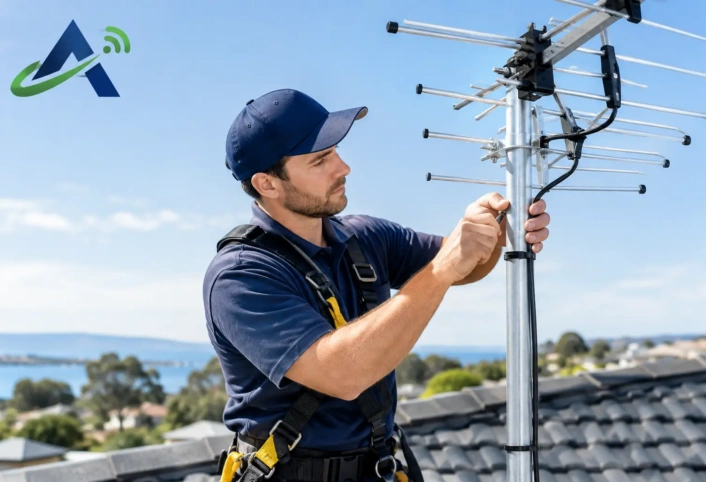
Outdoor antennas generally provide more dependable reception because they sit higher and avoid much of the building material that blocks signals. Still, they must be aimed correctly and mounted securely. Wind can gradually shift a poorly secured antenna. A small change in direction may be enough to affect a marginal channel.
Do not attempt roof work during wet, windy, or stormy conditions. It is also wise to avoid adjusting an antenna near power lines. This is one of the situations where professional service is the safer choice.
Look for Splitter and Amplifier Problems
Every splitter divides the antenna signal. A two-way splitter sends a portion of the signal to each output, while larger splitters divide it further. That is normal, but too many splitters, old low-quality splitters, or unused open ports can weaken the system enough to cause breakup.
For a quick test, connect one TV as directly to the incoming antenna line as possible. If reception improves, the splitter or one of the branch cables may be the issue. Do not replace components at random, though. The right solution depends on the signal level at the antenna and the number of TVs being served.
Amplifiers involve a similar trade-off. They can help compensate for long cable runs and multi-TV systems, but they cannot create a clean signal from a poor antenna location. If an amplifier is too powerful for the situation, it can overload the TV tuner and cause pixelation. If it is failing, it may add noise or stop passing signal altogether.
Rule Out Interference Near the Television
Some reception issues begin right at the TV. Move antenna cables away from power cords, surge protectors, LED lighting power supplies, and networking equipment where possible. A poorly shielded electronic device can introduce noise, especially when the antenna signal is already borderline.
Try turning off nearby devices one at a time while watching the affected channel. If the picture improves when a particular device is off, repositioning equipment or correcting the cable routing may help. This test is not a cure for every issue, but it can reveal a problem that would otherwise be easy to miss.
Also check the television’s antenna input. If the cable connection is secure but can be moved without resistance, the TV’s tuner connection may be worn. Testing the same antenna feed on another television can help separate a TV problem from an antenna-system problem.
When Professional Antenna Service Makes Sense
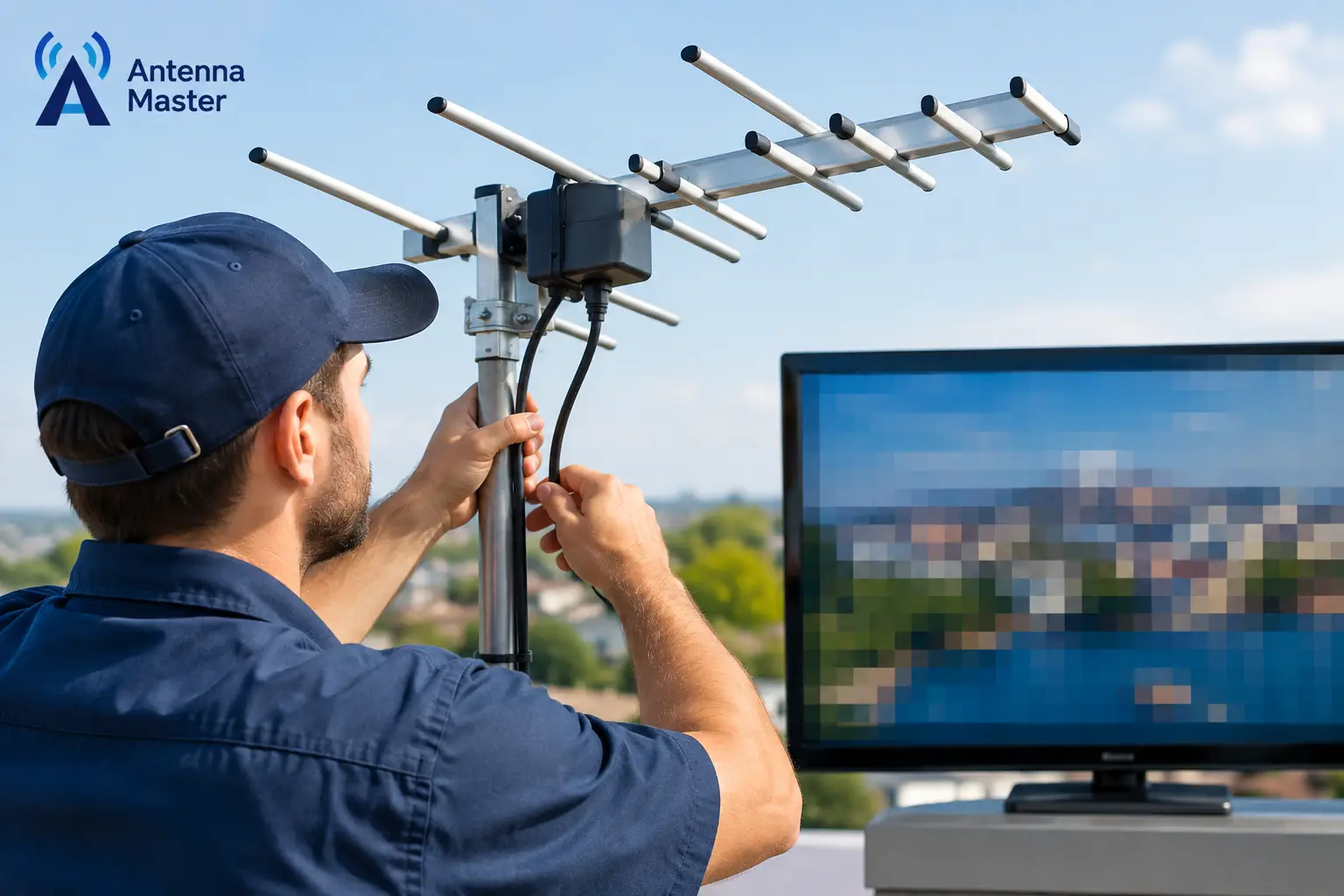
Call for help when pixelation continues after basic connection checks and a channel rescan, especially if the issue affects multiple TVs or returns whenever weather changes. A trained technician can measure signal strength and quality at the antenna, at the splitter, and at each television outlet. Those readings identify where signal loss begins instead of relying on guesswork.
Professional diagnosis is particularly useful for roof-mounted antennas, multi-room setups, long cable runs, and homes with difficult reception conditions. The solution may involve repositioning the antenna, replacing damaged cable, correcting grounding, reducing unnecessary signal splits, or selecting equipment designed for the channels available in your area.
Antenna Master helps homeowners in Miami-Dade, Broward County, and Monroe County turn unreliable over-the-air reception into a system built for their home. Clear local channels should make cutting the cord feel simpler, not leave you troubleshooting the picture every time you sit down to watch.
When the picture breaks up again, note which channels fail, when it happens, and whether other TVs are affected. Those few details give a technician a much faster path to the fix and help get your HD broadcast TV back to doing its job.