A picture that freezes during the evening news, disappears when a nearby appliance starts, or breaks into pixels during a big game is more than annoying. Effective antenna interference troubleshooting starts by separating an actual interference problem from a weak or unstable TV signal. The symptoms can look similar, but the right fix depends on what is disrupting reception.
Over-the-air television is digital. That means your TV usually delivers a clear HD picture until the signal drops below a usable level. Instead of getting progressively snowier, the image may pixelate, stutter, lose sound, or vanish entirely. A properly designed antenna system can provide dependable access to local channels, but small problems in placement, cabling, connections, or nearby electronics can reduce the signal margin.
Start With the Pattern, Not the Antenna
Before moving equipment or buying anything, notice when the problem occurs. If several channels fail all day, the issue may be antenna direction, installation height, a damaged cable, or a loose connection. If one channel is unreliable while the others are strong, that station may transmit from a different location or operate on a frequency that is harder to receive at your home.
Timing also tells a story. Reception that gets worse during rain, wind, or heavy cloud cover can point to a signal that is already marginal. A breeze may move a poorly secured antenna or expose a failing outdoor connection. Reception that cuts out when an LED light, air conditioner, garage door opener, or other device runs is more likely to involve electrical interference.
Try one simple test: turn off nearby electronic devices one at a time while a problem channel is playing. Start with inexpensive LED lamps, power strips, phone chargers, computers, Wi-Fi equipment, and indoor antenna amplifiers. If turning off one item improves the picture immediately, you have identified a useful clue.
Common Causes of Antenna Interference
Not every source of interference is inside the home. Dense neighborhoods, tall buildings, metal roofing, new construction, and mature trees can all affect how broadcast signals reach an antenna. In South Florida, changing weather and heavy moisture can expose weaknesses in an antenna system that appeared fine during clear conditions.
LED Lights and Electronic Noise
Some LED bulbs and fixtures create radio-frequency noise, especially lower-quality units or fixtures with failing drivers. The interference may affect only certain channels, often when the light is switched on. A nearby lamp can be enough to create trouble for an indoor antenna, while an outdoor fixture near the antenna cable can affect a larger part of the system.
Replace the suspected bulb or fixture with a higher-quality alternative and retest. If the issue remains, the antenna cable may be picking up noise because it is poorly shielded, damaged, or routed too close to electrical wiring.
Cable and Connector Problems
Coaxial cable carries a very small signal from the antenna to your TV. A kinked cable, corroded outdoor connection, loose fitting, or worn splitter can weaken that signal and make ordinary interference seem much worse.
Check visible connections at the TV, wall plate, splitter, amplifier, and antenna feed. Each connector should be snug, clean, and properly fitted. Avoid sharply bending cable or running it alongside power cords for long distances. If an outdoor connector is exposed to weather, moisture and corrosion can quietly degrade reception over time.
A splitter is another frequent trouble spot. Every split reduces available signal, so a system feeding several televisions needs to be designed for that workload. Adding a random amplifier is not always the answer. An amplifier can help overcome cable loss in the right situation, but it can also amplify unwanted noise or overload a strong signal.
Antenna Location and Direction
An antenna does not need to be broken to perform poorly. It may simply be in the wrong location. Indoor antennas are convenient, but walls, wiring, appliances, metal window coatings, and nearby electronics can limit their performance. Moving an indoor antenna even a few feet, placing it higher, or positioning it near a window can make a noticeable difference.
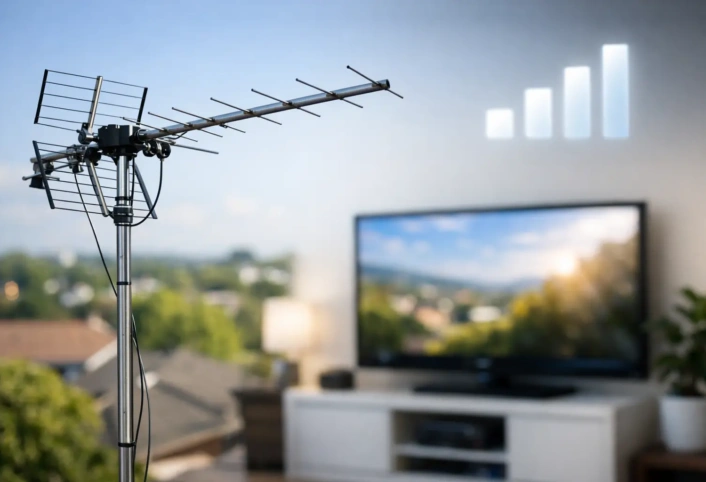
Outdoor antennas usually offer a more stable path to broadcast towers because they are higher and less affected by interior obstacles. Still, height alone is not a guarantee. An antenna must be aimed and selected for the stations you want to receive. A model designed for one signal range or direction may not be the right fit for another.
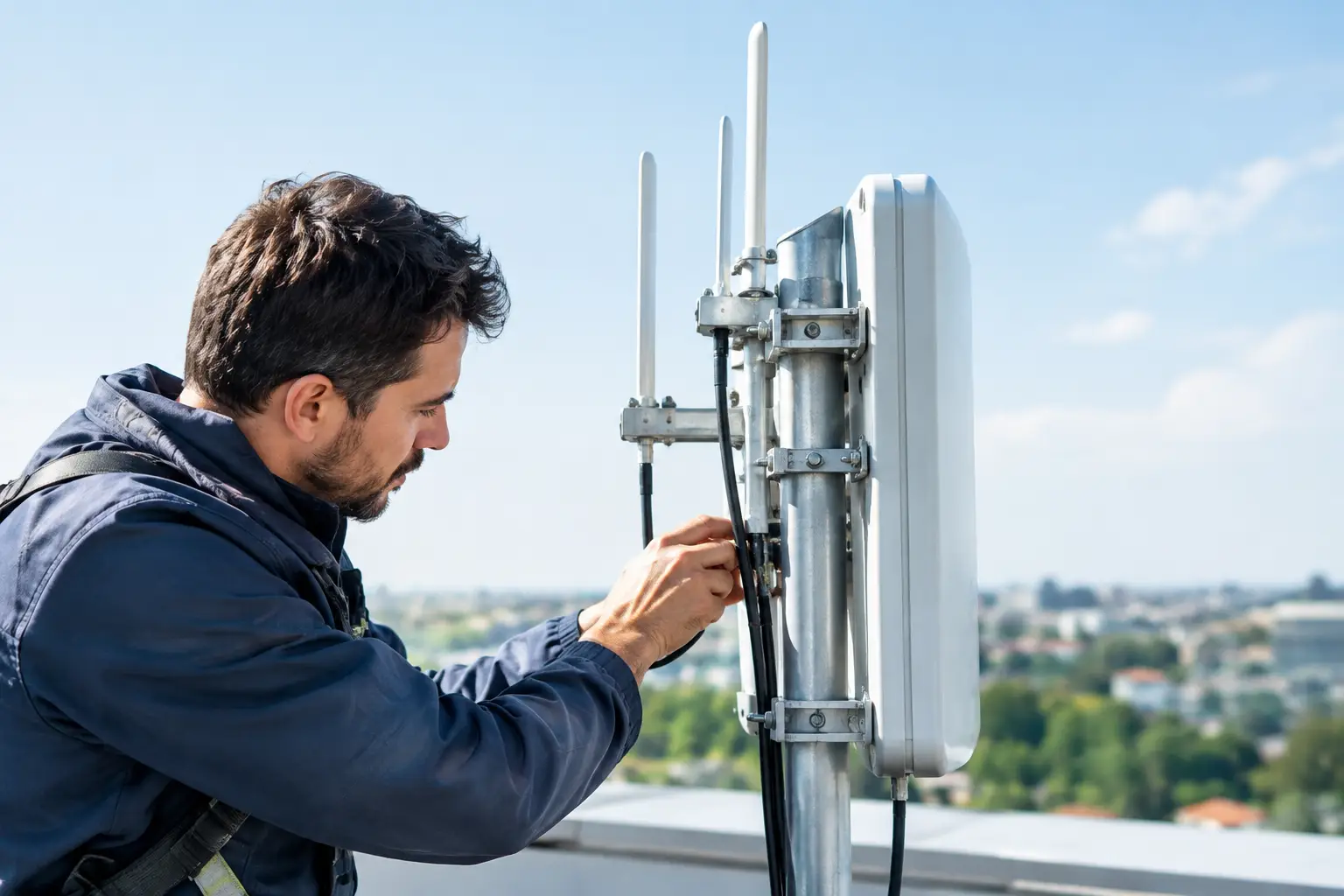
If channels changed after roof work, a storm, tree trimming, or exterior renovation, inspect whether the antenna has shifted. Do not climb onto a roof or handle equipment near power lines unless you are trained and properly equipped. That is a job for a qualified technician.
A Practical Antenna Interference Troubleshooting Process
Work from the television outward. First, run a channel scan from the TV’s antenna or tuner menu. This does not repair an interference source, but it confirms which stations the television can currently detect. If a channel is missing after previously working well, make note of it.
Next, bypass unnecessary equipment. If your antenna signal passes through a splitter, amplifier, surge protector, or distribution box, test one television on the simplest possible connection when practical. A channel that returns after bypassing a component points directly toward the issue.
Then inspect the cable route. Look for crushed sections, exposed insulation, improvised couplers, and long runs beside electrical wiring. Keep antenna coax separate from power cables where possible. Replace obviously damaged cable with quality coaxial cable designed for television signals, rather than relying on adapters and temporary patches.
Finally, test for device-related interference. Turn off suspected equipment, then turn it back on while watching the affected channel. Repeat the test once or twice. A consistent change is more meaningful than a one-time improvement, since broadcast reception can fluctuate for several reasons.
When the Problem Is Not Interference
Some reception problems are caused by signal strength rather than interference. A distant broadcast tower, terrain, trees, or buildings may leave little room for signal loss. In that situation, turning off a lamp may not help because the antenna needs better placement, a different antenna type, improved distribution equipment, or a professionally planned installation.
Multipath is another possibility. Broadcast signals can reflect off buildings and other surfaces before reaching the antenna. Those delayed reflections can confuse digital reception, particularly in built-up areas. Repositioning or re-aiming the antenna may help, but it takes more than trial and error when several station locations and signal conditions are involved.
A television tuner can also be the culprit. Test the antenna on another TV if you can. If one set struggles while another receives the same channels clearly on the same connection, the issue may be inside the television rather than the antenna system.
When Professional Help Makes Sense
A professional evaluation is worthwhile when reception is unreliable across multiple TVs, outdoor equipment is involved, or the system has been expanded over time with splitters and amplifiers. The goal is not simply to get one channel back for the moment. It is to build enough signal margin that your local HD channels stay dependable through normal household use and changing conditions.
Trained antenna technicians can evaluate signal availability, antenna placement, cable condition, grounding, distribution needs, and sources of electrical noise. That approach is especially useful when you are cutting the cord and want local news, network programming, and live sports to work without constant adjustments.
Antenna Master helps homeowners throughout Miami-Dade, Broward County, and Monroe County turn inconsistent over-the-air reception into a system designed for their home. A clear diagnosis protects the simple benefit that makes antenna TV worthwhile: reliable local HD programming without making television more complicated.
When a channel drops out, resist the urge to keep moving the antenna at random. Track the pattern, eliminate the easy causes, and let the evidence point to the right repair. A stable antenna system should fade into the background, leaving you free to watch what matters.