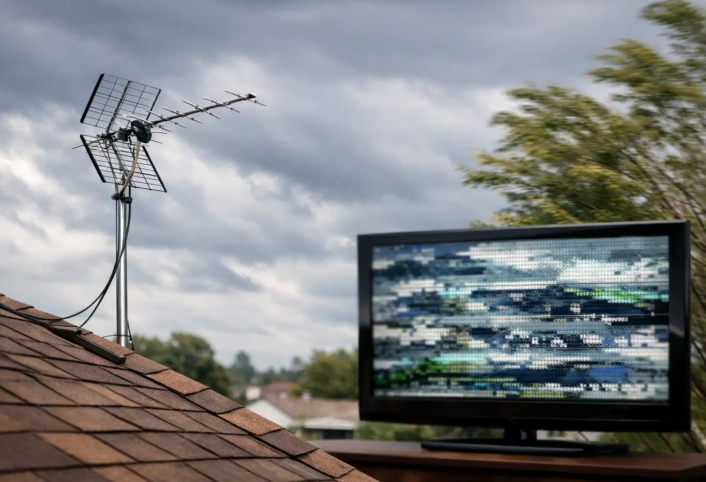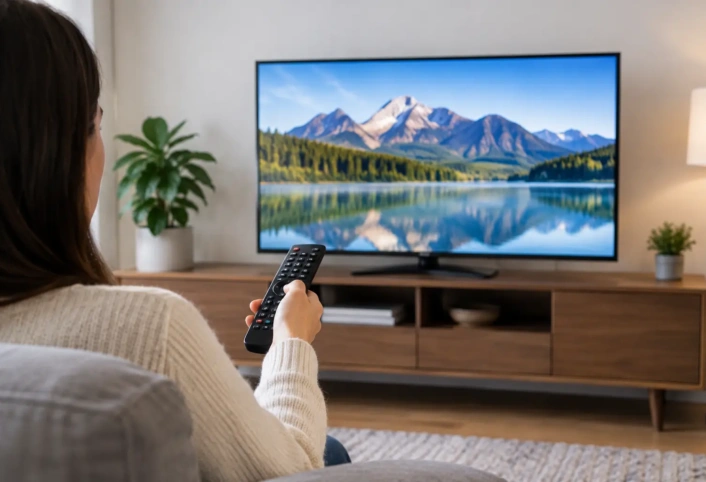
A channel that breaks up during the evening news is rarely fixed by simply buying a bigger antenna. The difference often comes down to position, elevation, and direction. Knowing how to aim a TV antenna gives your system the best chance to bring in the local HD channels you want without the pixelation, dropouts, and repeated rescans that make cord-cutting frustrating.
Aiming is not a one-size-fits-all task. Broadcast towers, terrain, nearby buildings, roofing materials, and the antenna itself all affect reception. A careful setup can turn an unreliable channel lineup into dependable access to local news, live sports, network programming, and more.
Start With Your Local Broadcast Towers
Your antenna needs a clear path toward the stations serving your home. Before making adjustments, identify the general direction of local broadcast towers and which channels are available at your address. In many areas, several stations transmit from the same general location, but that is not always the case.
This step matters because TV antennas are not like indoor Wi-Fi devices that send and receive equally in every direction. Many outdoor antennas are directional, meaning they perform best when pointed toward the source of the signal. Others are multidirectional and can receive signals from more than one direction, although they may not have the same reach or selectivity as a directional model.
If your preferred stations come from one tower cluster, a directional antenna can be a strong choice. If towers sit in different directions, the solution may involve a multidirectional antenna, a different mounting location, or a system designed to handle more than one signal path. The right answer depends on your home and local signal conditions.
How to Aim a TV Antenna Step by Step
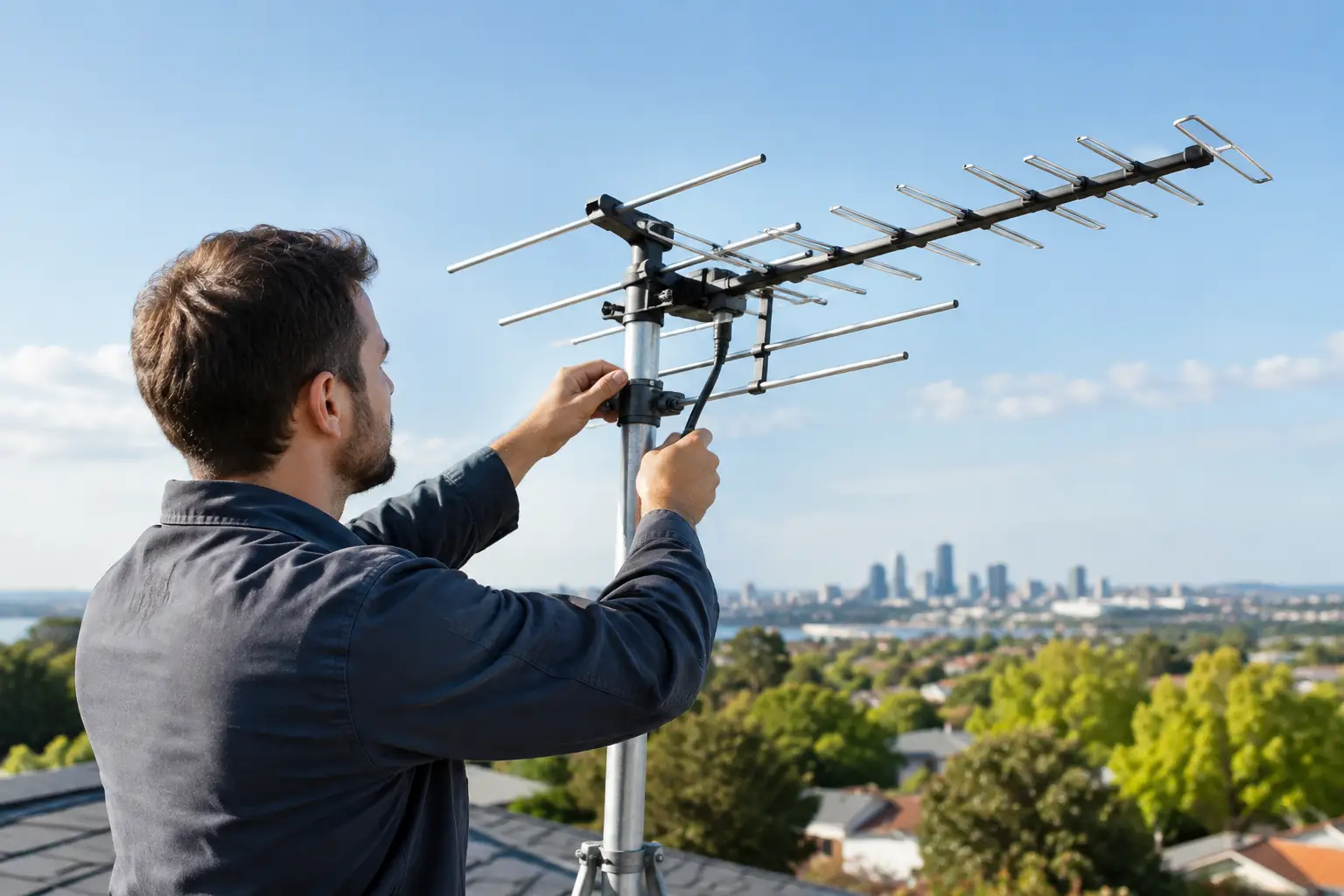
Begin with the antenna mounted as securely and as high as practical. Height can help because signals travel more reliably when the antenna is above obstacles such as fences, neighboring roofs, trees, and low structures. Higher is not automatically better, though. An antenna mounted too close to metal roofing, solar panels, large HVAC equipment, or other interference sources can still struggle.
Point a directional antenna toward the primary tower location, then connect it to the television or tuner. Run a channel scan from the TV’s settings menu. The scan tells the television which broadcast signals it can receive in its current position.
Do not judge the result only by the number of channels found. Check the stations your household actually watches. A setup that finds dozens of weak or distant channels is less useful than one that receives your local major networks consistently. Turn on each important station for several minutes and watch for freezing, audio dropouts, or a signal that disappears entirely.
If needed, make small adjustments rather than large turns. Move the antenna a few degrees, scan again, and compare results. This process takes patience, but small directional changes can make a significant difference, especially with UHF signals or stations near the edge of your reception range.
For indoor antennas, try more than one spot before deciding the antenna is inadequate. A window facing the tower direction, a higher shelf, or a wall away from large electronics may perform better. Keep the antenna away from metal blinds, thick concrete walls, and crowded entertainment cabinets when possible.
Check the Antenna’s Orientation
Not every antenna should be positioned the same way. The antenna’s design determines how it should face the broadcast source.
Yagi-style antennas, which have a long boom with multiple elements, are typically directional. The end with the smaller elements usually faces the towers. A panel antenna generally aims with its broad face toward the broadcast source. Compact indoor antennas can be more forgiving, but their placement still matters, particularly if they have a flat receiving surface or adjustable elements.
VHF and UHF channels can also respond differently. VHF stations may use longer antenna elements, while UHF reception often depends heavily on precise direction and clear placement. Some local channel numbers displayed on your TV do not match their actual broadcast frequencies, so it helps to evaluate every station after scanning rather than assuming similar channel numbers will behave the same way.
Remove Problems That Look Like Aiming Issues
A weak picture is not always caused by the direction of the antenna. Before repeatedly repositioning it, inspect the rest of the system. A loose coaxial connection, damaged cable, worn splitter, or incorrect television input can reduce a good signal before it reaches the screen.
Start at the antenna connection and follow the cable to the TV. Make sure fittings are secure and protected from weather if they are outdoors. Avoid using old, unnecessary splitters. Each split sends signal to another television, but it also reduces the signal available to every connected device. A properly designed distribution system can serve multiple TVs without creating avoidable reception problems.
Amplifiers require judgment as well. An amplifier can help overcome signal loss from a long cable run or multiple televisions. It cannot create a clean signal where none exists. In fact, an amplifier may overload reception in locations with very strong nearby broadcasts, causing some channels to perform worse. The goal is a balanced signal path, not the most equipment possible.
Account for South Florida Conditions
Homes in Miami-Dade, Broward County, and Monroe County can face reception challenges that are easy to overlook. Dense development, tall buildings, tropical foliage, coastal weather, and roof construction all influence over-the-air signals. A placement that works well at one home may not work the same way a few blocks away.
Trees are a common example. Leaves, branches, and moisture can weaken signals, and reception may change as vegetation grows or after heavy weather. A channel that works in one season but becomes unreliable later may need a placement adjustment rather than a completely new antenna.
Roof-mounted equipment also deserves careful planning. The antenna should be installed securely, with attention to cable routing, grounding, weather exposure, and the roof surface. A professional installation helps protect both reception quality and the home itself.
Know When Professional Help Makes Sense
DIY adjustments can work well when your tower direction is clear and the antenna is easy to access. Professional support is especially useful when channels come from different directions, the roof is difficult to reach, multiple TVs need service, or reception remains inconsistent after basic troubleshooting.
A trained technician can evaluate available signals, antenna type, elevation, cable runs, splitters, and the best mounting location for your property. That saves time spent guessing and helps create a system built around the channels your household wants to watch.
Antenna Master installs and configures antenna systems for homeowners who want reliable local broadcast television without making antenna setup a weekend-long experiment. The focus is simple: strong HD reception, a clean installation, and a system that works for the way your household watches TV.
Once the antenna is aimed correctly, revisit your channel scan whenever you move equipment, make major changes around the home, or notice a station behaving differently. A few careful checks can keep local television clear, dependable, and ready when the program you want is live.