A favorite local station disappears right before the evening news, or your TV suddenly shows fewer channels than it did last week. Before assuming your antenna has failed, learn how to rescan local channels. A channel scan refreshes the list of broadcast stations your television can receive, and it often brings missing programming back within minutes.
Rescanning is a normal part of using an over-the-air antenna. Local broadcasters occasionally change technical settings, stations may move to a different broadcast frequency, and TV settings can be reset after a power interruption or equipment change. The scan itself is simple. Getting consistently strong reception, however, depends on the antenna, its location, the cable run, and the signal conditions around your home.
When You Should Rescan Local Channels
Run a channel scan whenever you notice missing local stations, new stations advertised in your area, or an empty channel guide after connecting an antenna. It is also a smart first step after moving a TV, replacing a television, reconnecting coaxial cable, or changing any part of the antenna system.
A rescan can also help when a channel number remains in your TV guide but displays a black screen or a “No Signal” message. In that case, the scan clears out old channel information and searches again for signals that are currently available.
There is one limitation: scanning cannot create a usable signal where none exists. If a station is weak because of antenna placement, a damaged connection, interference, or distance from the broadcast towers, the TV may still skip it. That distinction helps you avoid repeating scans when the real issue is reception.
How to Rescan Local Channels on Most TVs
TV menus use different names, but the process is nearly the same across major television brands. Start with the TV turned on and the antenna cable firmly connected to the antenna input on the television. This input is often labeled “ANT IN,” “RF,” or “Cable/Antenna.”
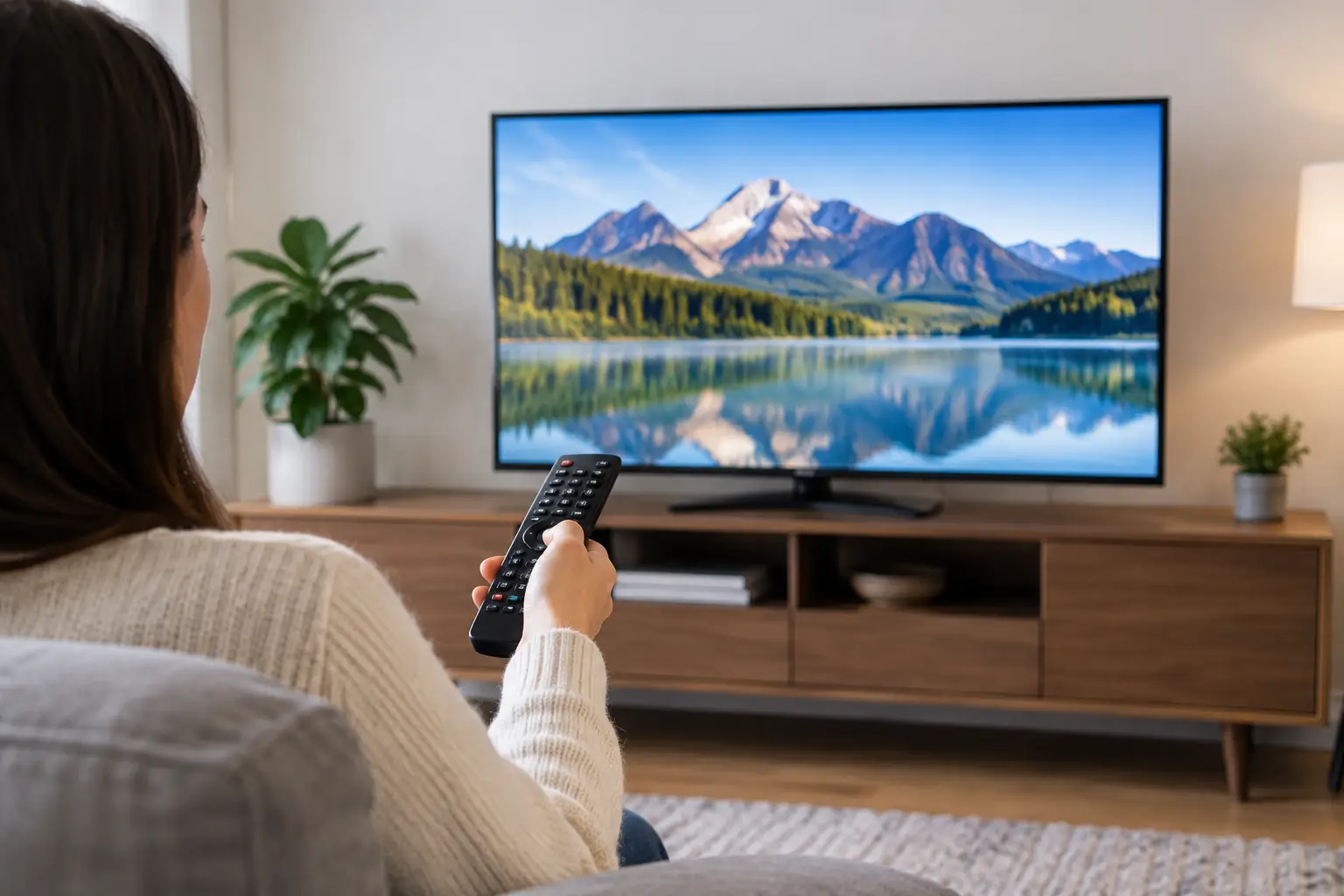
Using the remote, open Settings, Menu, or Home. Look for a section called Channels, Broadcasting, Live TV, Tuner, or Setup. Then choose an option such as Auto Program, Auto Tune, Channel Scan, Auto Scan, or Search for Channels.
Before the scan begins, the TV may ask you to select a signal source. Choose Antenna, Air, or Broadcast. Do not choose Cable unless your antenna signal is connected through a cable-provider setup that specifically requires it. Selecting the wrong source is one of the most common reasons a scan finds zero channels.
Start the automatic scan and let it finish completely. It may take a few minutes. Your TV will test available digital broadcast frequencies, save the stations it can receive, and organize them in the channel list. Avoid turning off the TV or disconnecting the antenna during this process.
When it is done, open your guide or enter a local channel number to confirm that your stations are back. If the scan finds channels but not the one you want, do not immediately assume the station is unavailable. Check the basics first.
Quick checks before you scan again
Make sure the antenna cable is attached securely at both ends and is not sharply bent, crushed, or frayed. If you use a splitter to feed more than one television, confirm that each connection is tight. Splitters can reduce signal strength, especially when an incoming signal is already marginal.
If your antenna includes an amplifier, verify that it has power. Many amplified antennas use a small power inserter or USB connection. An unplugged amplifier can cause some or all channels to disappear. On the other hand, amplification is not always the answer. In strong-signal locations, too much amplification can overload the tuner and make reception worse.
Finally, confirm that the TV is set to antenna reception before scanning. Some televisions retain a prior cable setting even after an antenna is connected.
Why a Rescan May Not Restore Missing Channels
A successful scan only detects signals that reach your TV tuner clearly enough at that moment. Digital television is less forgiving than older analog reception. Instead of gradually becoming snowy, a weak digital signal may freeze, break into blocks, cut out, or vanish entirely.
Indoor antennas are convenient, but their performance can change with placement. Moving one a few feet, raising it higher, or placing it near a window can improve results. At the same time, nearby electronics, metal surfaces, concrete walls, and even certain window coatings can interfere with signal reception. A position that works in one room may perform poorly in another.
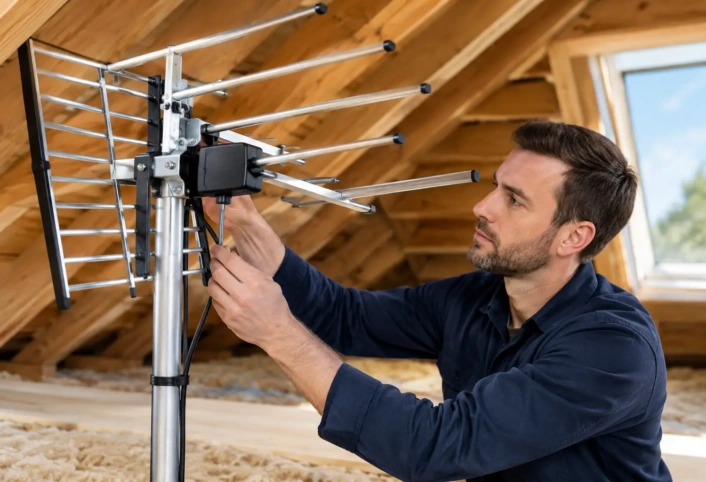
Outdoor and attic-mounted antennas generally have a clearer path to broadcast signals and are less affected by activity inside the home. But they still need proper aiming, secure mounting, quality coaxial cable, and weather-resistant connections. In South Florida, wind, salt air, rain, and intense sun can gradually affect outdoor components and connections.
Station signals can also vary based on geography. Trees, neighboring buildings, rooflines, and local terrain may block or reflect signals. That is why a neighbor’s antenna setup is not always a reliable model for your home. Reception is specific to the property, the station, and the equipment in use.
Scan Again After Making a Change
If you reposition an antenna, reconnect a cable, replace a splitter, or adjust an amplifier, run a new scan afterward. Your television does not automatically know that the incoming signal has changed. Rescanning updates the channel list based on the improved setup.
It is usually best to make one change at a time. For example, move the antenna first, then scan and test the missing station. If that does not help, inspect the cable connection and scan again. Changing several things at once makes it harder to identify what improved or weakened reception.
For an antenna mounted outdoors, avoid making adjustments during poor weather or from an unsafe position. A small aiming correction can matter, but safe access and secure installation matter more.
When to Call for Antenna Help
If your TV finds no channels, repeatedly loses the same stations, or only receives a limited selection of local programming, the problem may be beyond the scan menu. A professional evaluation can identify whether the issue involves antenna type, antenna placement, signal direction, cable loss, splitters, grounding, or a failing component.
This is especially useful when you want to serve several televisions from one antenna. Every added TV changes the system design. A setup that works well for one screen may need different equipment or signal distribution to remain reliable throughout the house.
Antenna Master helps homeowners in Miami-Dade, Broward, and Monroe counties turn inconsistent reception into a properly configured over-the-air TV system. Trained technicians can assess the signal environment at your property and recommend a setup built around the local channels you want to watch.
A channel scan is a quick reset for your TV’s station list. If the scan keeps coming up short, treat that as useful information: your television is working, but the signal reaching it may need a better path.