A satellite bill can feel especially frustrating when the channels your household watches most are local news, network shows, live sports, and weather coverage. Learning how to switch from satellite is not about giving up television. It is about separating the programming you truly value from a pay-TV package that no longer fits the way you watch.
For many South Florida households, an over-the-air antenna provides a dependable foundation for live local television in high definition. Add streaming only where it makes sense for your family, and you can build a simpler setup around the content you actually use.
Start With What You Watch Now
Before canceling satellite service, spend a week paying attention to your viewing habits. Which channels are on most often? For many homes, the answer includes ABC, CBS, NBC, FOX, PBS, Univision, Telemundo, local independent stations, and their related subchannels. These broadcasts are available over the air and do not require a satellite subscription.
An antenna is especially useful for households that want dependable access to local breaking news, severe-weather updates, network primetime programming, and live events carried by broadcast stations. Picture quality can be excellent because local stations transmit HD signals directly to your home rather than compressing them through a pay-TV system.
The trade-off is straightforward: an antenna does not replace every specialty, premium, or national cable channel. If certain shows, leagues, or movie libraries matter to your household, identify them before you make the switch. You may find that a few carefully chosen streaming services cover those needs without recreating the oversized package you are leaving.
Check Your Local Reception Potential
Reception is not the same from one neighborhood to the next. Distance from broadcast towers matters, but so do roof height, nearby buildings, dense trees, construction materials, and the number of TVs connected to the system. In Miami-Dade, Broward, and Monroe counties, a home may receive strong signals in one location while another nearby property needs a different antenna placement or system design.
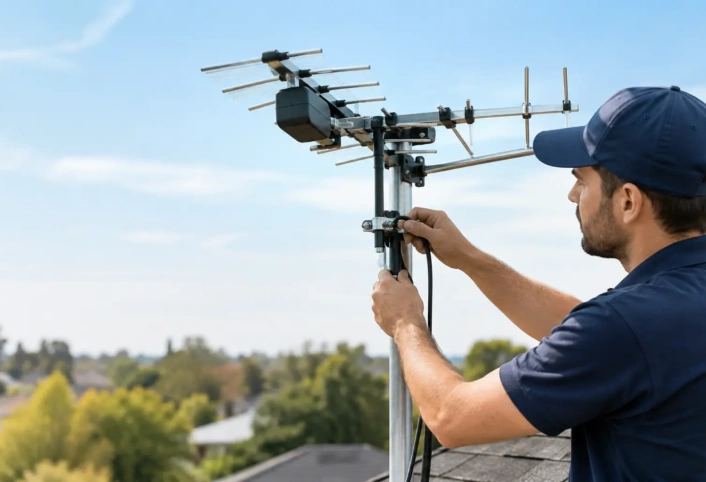
This is where professional planning makes a real difference. A retail antenna can look like an easy plug-in purchase, but placement is often the deciding factor between a stable picture and channels that disappear when conditions change. A trained technician can evaluate the available signals, select equipment suited to the property, and determine the best location for consistent reception.
Indoor, Attic, or Outdoor Antenna?
Indoor antennas can work well in the right home, particularly when strong local signals are available and the antenna can sit near a window. They are also easy to test. However, walls, metal framing, concrete, appliances, and electronic interference can weaken reception or make it inconsistent.
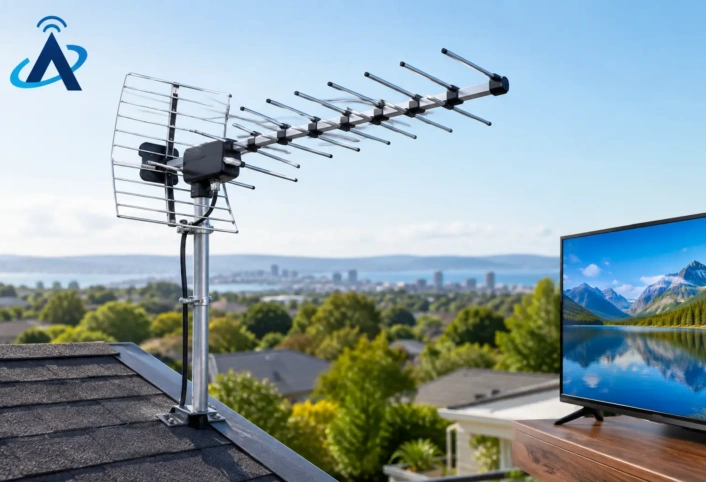
An attic installation may protect equipment from the elements, but the roof structure can reduce signal strength. Outdoor antennas generally have the best opportunity for clear reception because they are placed higher and farther from household interference. The right choice depends on the home, the local signal environment, and the channels you want to receive reliably.
Choose the Setup That Fits Your Household
A successful switch from satellite should account for every television in the home, not just the main living room. If you want antenna TV in multiple rooms, the system may need to use existing coaxial wiring, a signal distribution plan, or amplification designed for the layout. More equipment is not always better. An amplifier can help in certain situations, but it can also cause problems when strong signals are already present.
Think about how you use your TVs. A household that watches live local programming in several rooms needs a different setup from someone who primarily watches one main television. If you record broadcast shows, you may also want to plan for a compatible over-the-air DVR. That gives you the ability to pause live TV, schedule recordings, and keep favorite network programs available on your schedule.
Smart TVs and streaming devices can remain part of the picture. The antenna supplies live local channels, while internet-based apps provide on-demand movies, series, and niche programming. Keeping those functions separate makes it easier to understand what each service is doing for you.
Plan Streaming Before You Cancel Satellite
Streaming is a useful companion to antenna TV, but it is not automatically a replacement for everything. Check whether your internet connection supports the number of people streaming at the same time, especially if family members watch on different devices. Wi-Fi coverage also matters. A television at the far end of the house may need a stronger wireless connection for a reliable experience.
Review your must-have content one category at a time: sports, children’s programming, movies, international channels, and specific original series. Some content may be available through a standalone app, while other programming may require a live streaming service. The goal is not to sign up for every option. It is to make intentional choices instead of replacing one complicated bundle with several subscriptions you barely use.
For local programming, an antenna remains one of the most direct solutions. It does not depend on buffering, app logins, or a streaming platform’s changing channel lineup. When local coverage matters, that reliability is worth building into the plan.
How to Switch From Satellite Step by Step
The actual transition works best when you avoid a gap in service. Start by confirming which local stations are available at your address and what type of antenna installation is appropriate. Next, install and test the antenna system while satellite service is still active. Scan for channels on each television, check picture stability, and confirm that every room receives the channels it needs.
Once your antenna reception is working, set up any streaming services or devices your household has chosen. Take time to organize the TV inputs, label remotes if needed, and make sure everyone knows how to access both live antenna channels and streaming apps. A setup that is technically correct but confusing to operate will not feel like an upgrade.
Then review the satellite account carefully. Make sure you understand the cancellation process, equipment return requirements, and final service date. Do not remove equipment or disconnect service until you have confirmed that your replacement setup is performing the way you expect.
Avoid the Most Common Cord-Cutting Mistakes
The biggest mistake is choosing an antenna solely based on packaging claims. Reception depends on the property and signal conditions, not just a stated range. Another common issue is placing an antenna in the most convenient location rather than the most effective one. A few feet in height or a different side of the home can change the result.
It also helps to avoid judging the system after a quick channel scan on one TV. Test each connected television, especially if you are using existing coaxial lines. Loose connectors, splitters, damaged cable, and outdated components can affect reception even when the antenna itself is correctly selected.
Finally, do not assume streaming alone will cover local television when you need it most. Apps can be useful, but access to live local channels varies. An antenna gives your home a direct path to the broadcast signals in your area.
Get Professional Help When Reliability Matters
A professionally installed antenna system removes much of the guesswork from cord-cutting. Antenna Master technicians can assess reception conditions, recommend the right equipment, install and configure the system, and help ensure your televisions are ready for everyday use. That is particularly valuable when you have multiple TVs, a challenging roofline, or inconsistent signal at ground level.
Switching away from satellite does not have to mean settling for fewer choices or a more complicated TV routine. Start with the local programming your household depends on, build a reception plan that suits your home, and let the rest of your entertainment choices stay flexible. A well-designed antenna setup can make live HD television feel simple again.