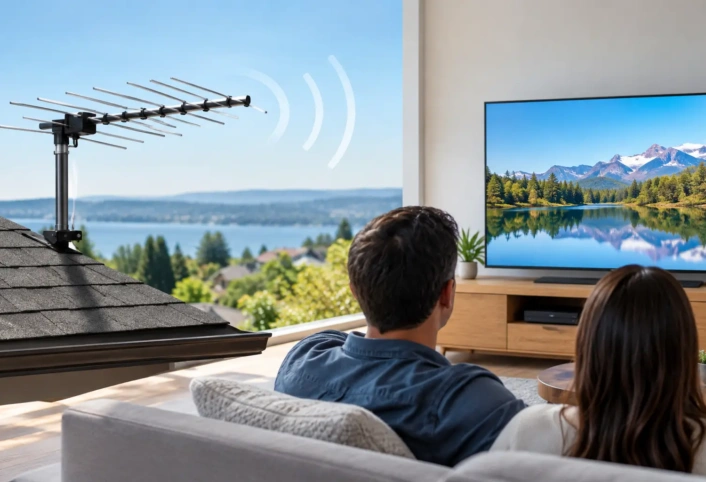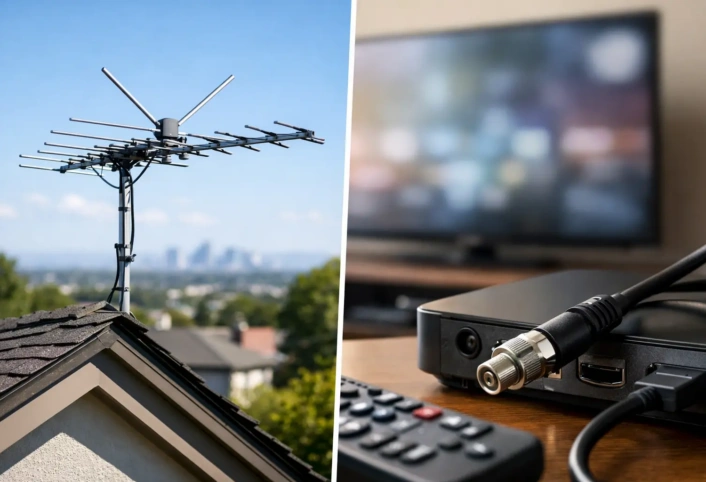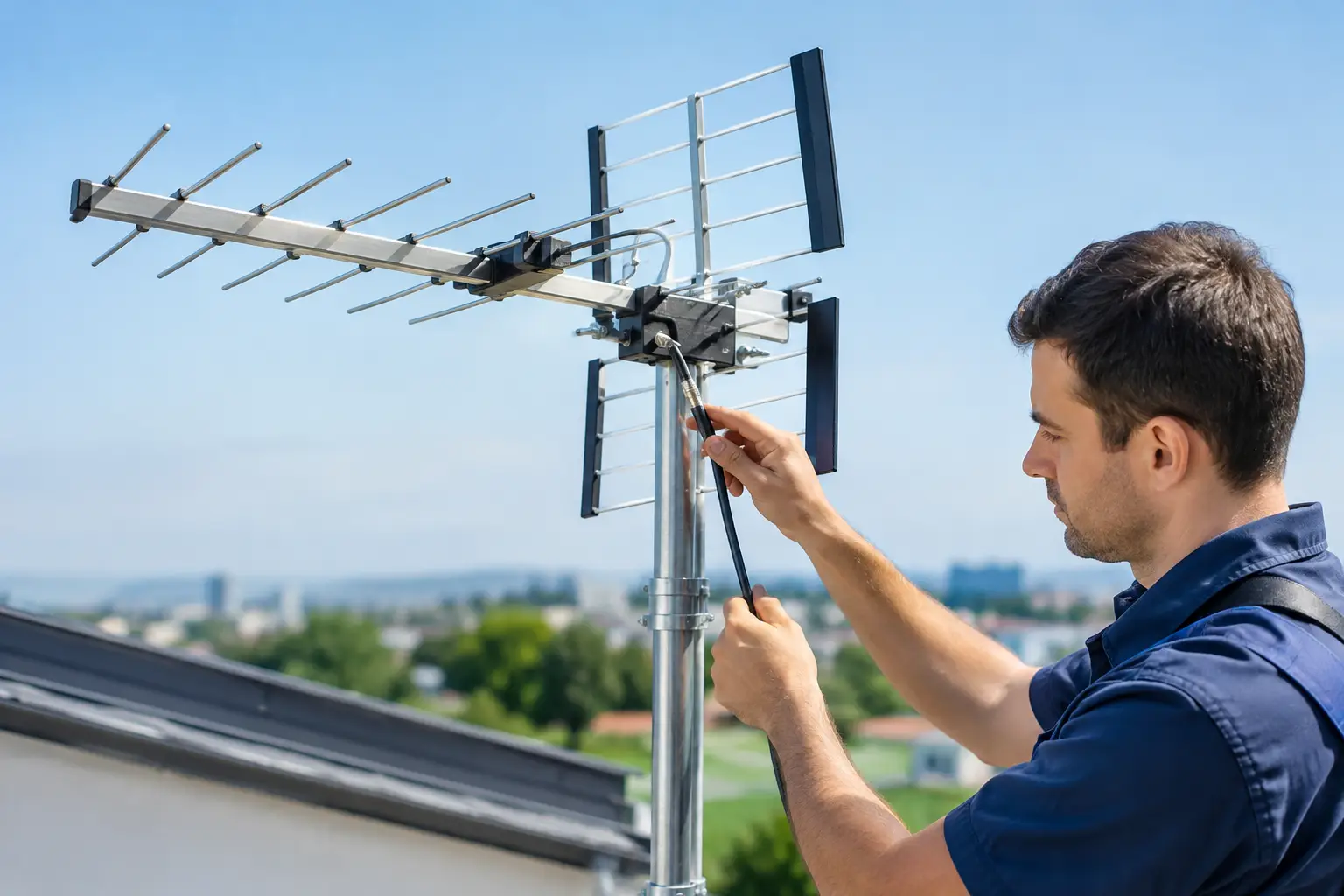
A clear picture does not start at the TV. It starts with the path between your antenna and every screen in the house. This antenna wiring guide explains how that path works, what commonly weakens a signal, and when professional setup can save you from chasing channels room by room.
A well-designed over-the-air TV system can bring local news, network programs, live sports, and high-definition broadcast channels into your home without relying on a cable or satellite connection. But even an excellent antenna can underperform when the cable run, connections, splitters, or grounding are handled incorrectly.
Start With the Signal Path
An antenna system is a chain. The antenna receives broadcast signals, a coaxial cable carries them into the home, and the signal travels to one TV or is distributed to several televisions. Every component in that chain affects reception.
The simplest setup uses one antenna, one continuous coaxial cable, and one television. Fewer connections usually mean fewer places for signal loss or interference. Once you add multiple TVs, wall plates, splitters, amplifiers, or long cable routes, planning matters more.
Signal strength is only part of the equation. Signal quality matters just as much. A channel can appear strong on a meter but still break up if noise, poor connections, or reflections interfere with the signal. That is why a clean, properly installed wiring path is often more valuable than adding equipment at random.
Choose the Right Coaxial Cable
For residential antenna wiring, RG6 coaxial cable is the standard choice. It is built to carry TV frequencies effectively over typical home distances and offers better shielding than older, thinner cable types. Its center conductor carries the signal, while the outer shielding helps block electrical interference.
Avoid relying on old cable that has been exposed to weather, crushed behind furniture, sharply bent, or left over from a previous installation. Exterior cable can develop small cracks that allow moisture inside. Indoors, loose or damaged connectors can create intermittent problems that look like weak antenna reception.
Use cable rated for its location. Outdoor-rated coaxial cable is made to handle sun, rain, and humidity. In attics, walls, and living spaces, use cable appropriate for the installation environment and local building requirements. If a cable must pass through an exterior wall, the entry point should be protected and sealed so water and pests cannot get inside.
Length also matters. Every cable run introduces some signal loss, especially at higher broadcast frequencies. A short route from antenna to TV is ideal, but a longer run can still work well when the antenna has adequate signal to begin with and the wiring is installed correctly.
Keep Connections Tight and Dry
Coaxial connectors are small components with a big job. A connector that is loose, corroded, poorly crimped, or not fully seated can cause pixelation, audio dropouts, or missing channels.
Compression-style F connectors are commonly used for dependable antenna installations. They create a secure fit around the cable and help maintain shielding. At the TV, splitter, grounding block, or antenna connection, tighten the connector by hand until it is snug. Do not overtighten it with tools, which can damage equipment threads.
Outdoor connections need weather protection. Water entering a connector can degrade the signal and eventually damage cable components. Properly weather-sealed connections are especially important in South Florida, where intense rain, heat, and humidity can expose weak points quickly.
Grounding Is Part of Reliable Antenna Wiring
Grounding helps protect the system and supports a safer installation. An outdoor antenna and its coaxial cable can be exposed to electrical surges caused by nearby lightning activity or power-related events. A grounding block installed where the coaxial cable enters the building provides a connection point for the cable shield to be bonded to the home’s electrical grounding system.
Grounding requirements can vary based on the property and local code. The key point for homeowners is that grounding is not an optional cosmetic step. It should be planned as part of the installation, particularly for roof-mounted or exterior antennas.
Do not assume that attaching a wire to any nearby metal object is proper grounding. An incorrect ground can create safety concerns and may not provide the protection the system needs. A trained antenna technician can identify the appropriate grounding location and install the wiring in line with accepted practices.
Connecting One TV vs. Multiple TVs
A single-TV antenna setup is straightforward: connect the antenna’s coaxial cable to the television’s ANT IN, RF IN, or CABLE/ANTENNA input. Then use the TV’s channel scan menu and select Antenna or Air, not Cable. The scan tells the television which local broadcast channels it can receive.
With multiple televisions, the signal must be divided using a splitter. A two-way splitter sends the signal to two separate outputs. A four-way splitter supports up to four TVs. The trade-off is signal loss. Each split reduces the amount of signal that reaches each television, so a system that works perfectly with one TV may become unreliable after distribution.
Use a splitter designed for over-the-air TV frequencies rather than an unknown old splitter from a cable installation. Keep unused output ports capped with proper terminators when needed, since open ports can allow unwanted interference into the system.
A splitter should be installed only when it serves a purpose. Connecting splitters in a chain to reach more rooms creates unnecessary loss. A single, correctly sized splitter placed in an accessible location is generally a cleaner approach.
When an Amplifier Helps and When It Hurts
An amplifier can help compensate for signal loss from long cable runs or multiple television connections. It does not create a clean signal from a poor antenna location. If the antenna is blocked by buildings, mounted too low, pointed incorrectly, or receiving heavy interference, amplification may simply amplify the problem.
A preamplifier is typically installed near the antenna and is used when signal loss may occur before the signal reaches the television. A distribution amplifier is usually placed inside the home to help feed several TVs. The right option depends on the signal available at the antenna, the cable distance, and the number of displays being served.
Too much amplification can overload a tuner, especially in areas with strong local signals. The result can be surprising: channels become worse after an amplifier is added. This is one reason a reception assessment is more useful than assuming more equipment means better reception.
Avoid Common Wiring Mistakes
Several small installation choices can undermine an otherwise good antenna system:
- Running coaxial cable alongside high-voltage electrical wiring for long distances, which can increase interference risk.
- Using damaged, kinked, or very old coaxial cable.
- Leaving outdoor connectors exposed to rain and humidity.
- Adding unnecessary splitters, couplers, and wall plates.
- Forgetting to rescan the TV after changing antenna position or wiring.
Another common issue is using the wrong input or TV setting. Many televisions have a built-in digital tuner, but the input must be set to Antenna or Air before scanning. If your television does not include an over-the-air tuner, an external tuner may be needed.
Plan the Installation Before Running Cable
Before cable is routed through walls, attics, or exterior surfaces, decide where the antenna will be mounted, where the cable will enter the home, and which TVs will be connected. This prevents awkward routes, excess cable, and unnecessary holes.
The best antenna location depends on local broadcast towers, surrounding buildings, trees, roof construction, and indoor interference. Height can help, but higher is not automatically better if the cable route becomes excessively long or the mounting location is difficult to service safely.
For homes in Miami-Dade, Broward, and Monroe counties, reception conditions can vary widely from one neighborhood to the next. Concrete construction, nearby high-rises, coastal weather, and dense development can all influence antenna placement and wiring decisions. A customized installation considers the property rather than treating every home like the same diagram.
Know When to Call a Professional
Homeowners can often connect a TV to an existing antenna outlet and perform a channel scan. Roof work, exterior mounting, grounding, cable routing, and multi-TV distribution are different projects. They require the right equipment, a clear understanding of signal behavior, and attention to safe installation practices.
A professional technician can test available signals, select an antenna suited to the location, build a clean wiring route, and verify reception at each television. That approach helps avoid the familiar cycle of replacing antennas, splitters, and cables without solving the actual issue.
At Antenna Master, the goal is not simply to put an antenna on a house. It is to create a dependable TV setup that makes cutting the cord feel like an upgrade. When every part of the wiring path is handled with care, local HD television is easier to enjoy when you need it most.